Split expenses fairly with your partner.
Log what you paid, pick the split, and see in one line who is ahead.
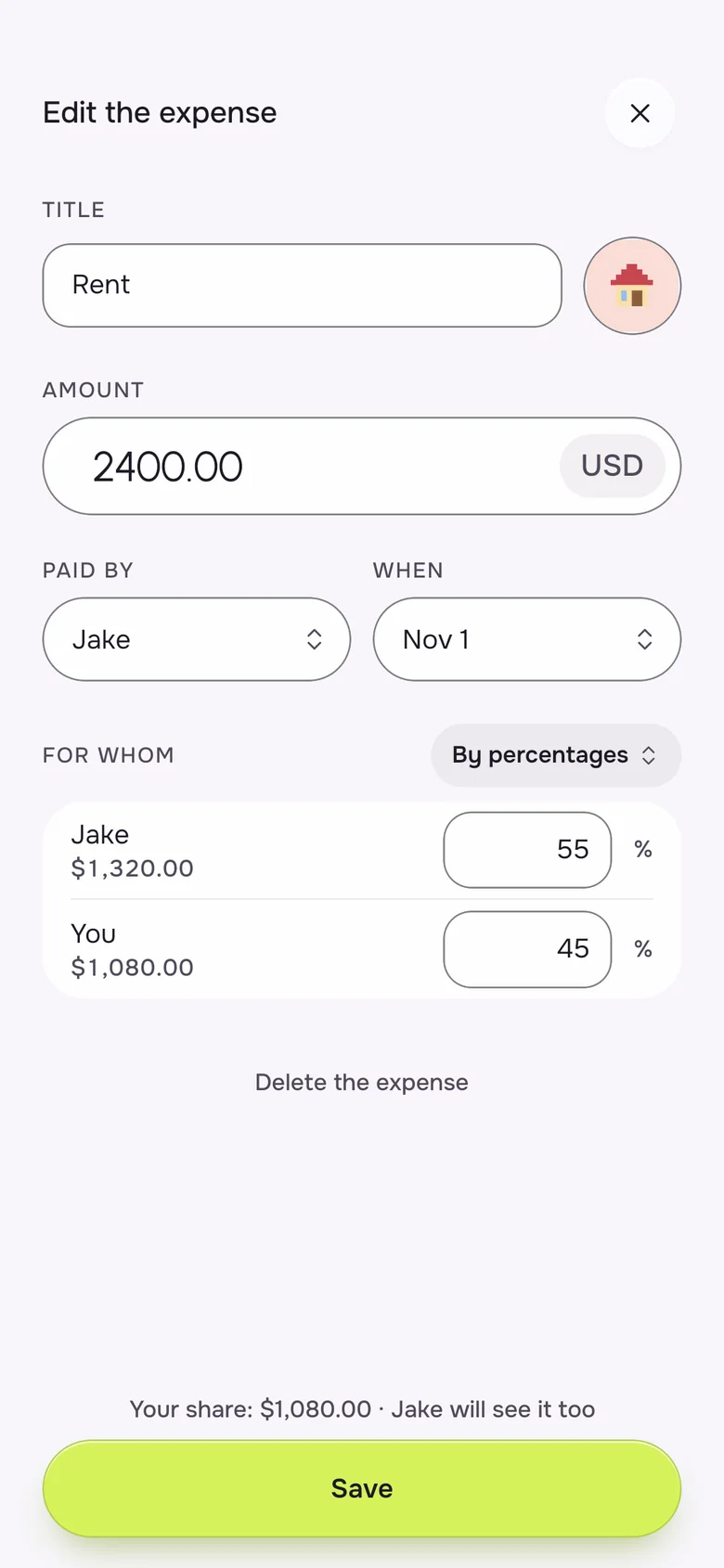
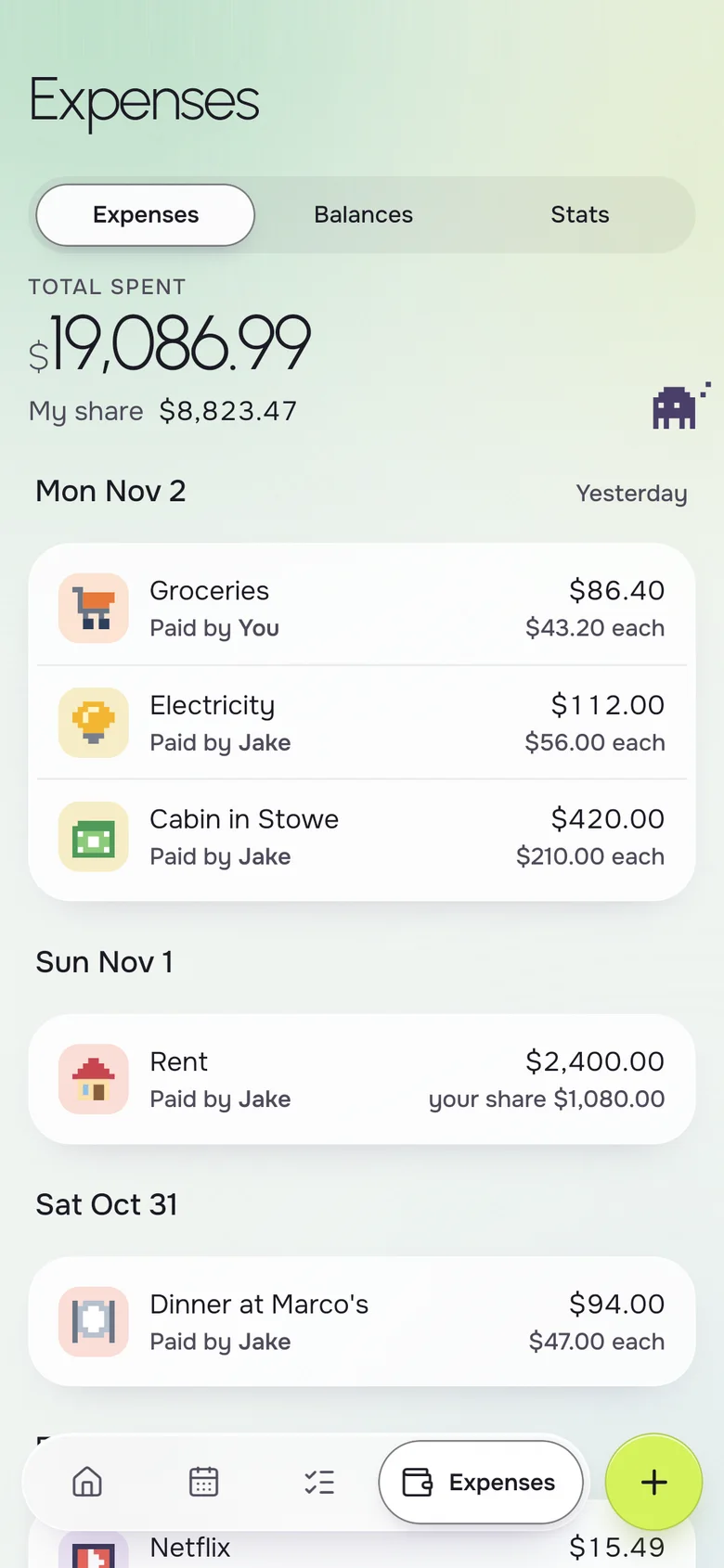
To split expenses with a partner, record each shared cost with who paid and how it divides, then let a running balance show who is ahead. Okto does this on iPhone and Android: split equally, by amounts or by percentages, and see a balance like "You owe Jake $66.28". Many couples skip transfers and rebalance by paying for the next thing.
Instead of
- a spreadsheet of who paid
- "I got this one, you get the next"
- a Venmo request for $14
- a grudge about the electric bill
One balance, the same on both phones.
Add it in seconds, split it your way
Enter the amount, say who paid, and pick how it splits. Okto adds it to the balance and shows each person's share on the expense, so there is nothing to reconstruct at the end of the month.
- Equal, by amounts or by percentages
- Paid-by on every expense, for either of you
- A one-line balance, such as "You owe Jake $66.28"
- A Settle up button when you want to even out
- Any currency, set once for the household
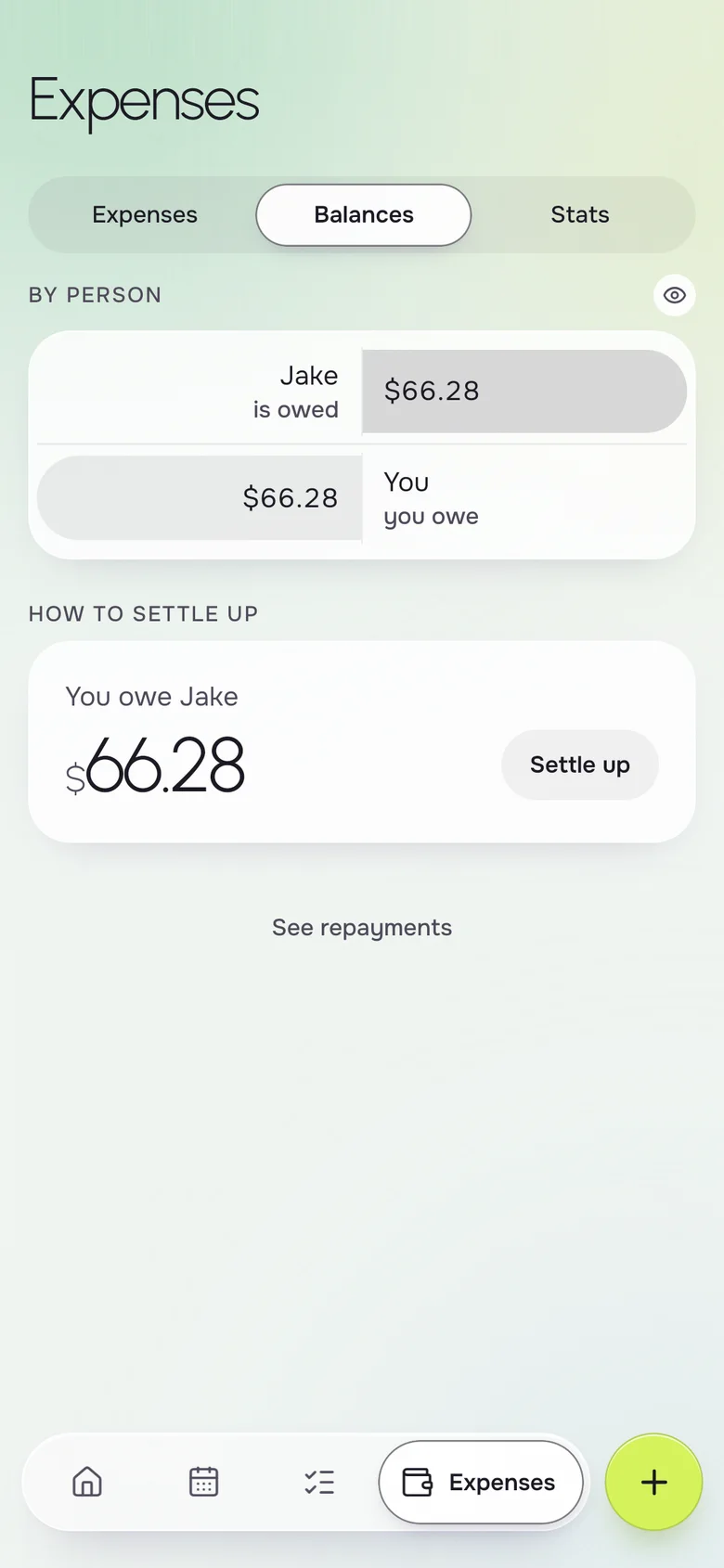
The balance on your first screen
You do not have to open a ledger to know where you stand. Home shows the balance next to the next event and the shopping list, so money is part of the day, not a monthly confrontation.
- The balance on Home, updated live for both of you
- Groceries to buy and to-dos due today beside it
- The same view on iPhone and Android
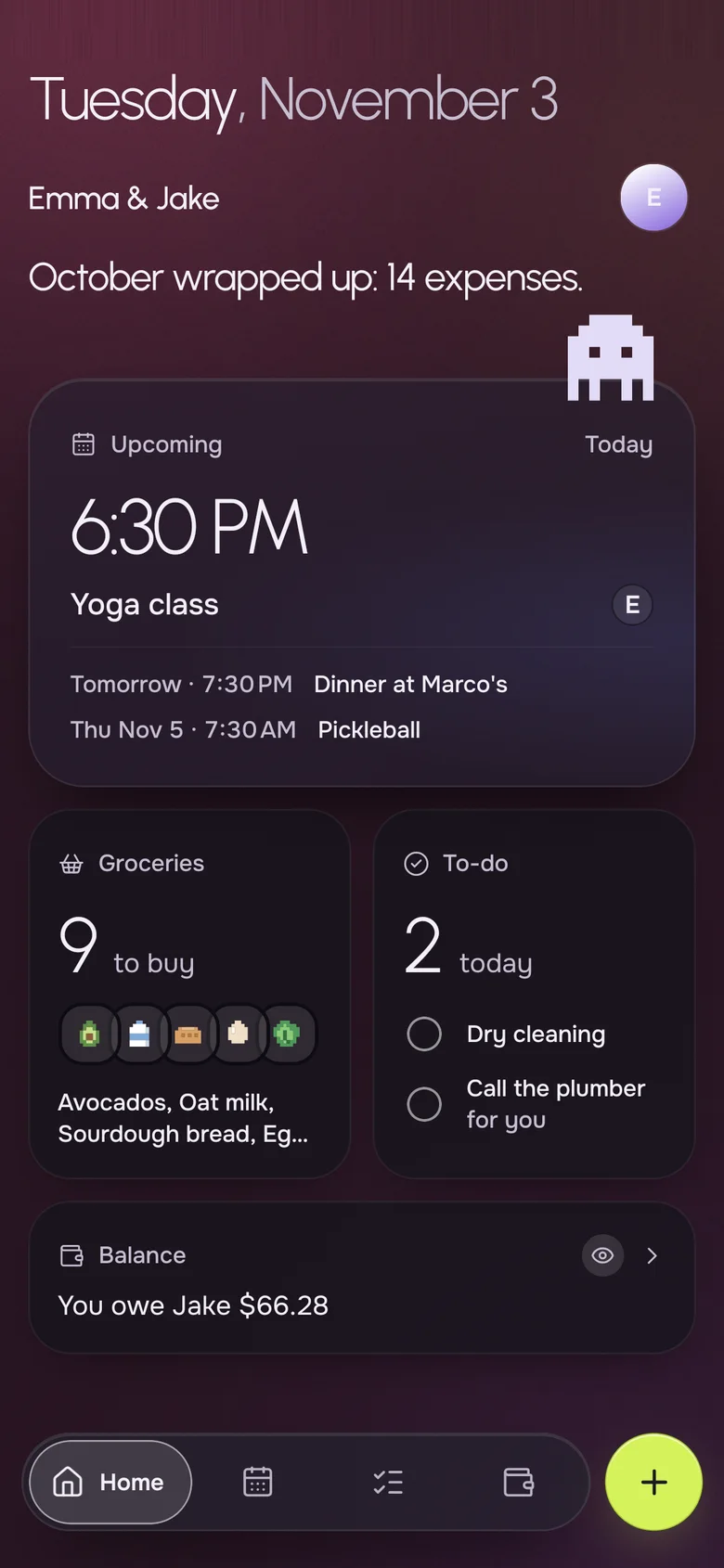
Rebalance by paying the next thing
Okto never moves money, and most couples do not need it to. When one of you is ahead, the other covers the next dinner or the next grocery run, and the balance walks back toward zero by itself. The grocery list sits right beside it.
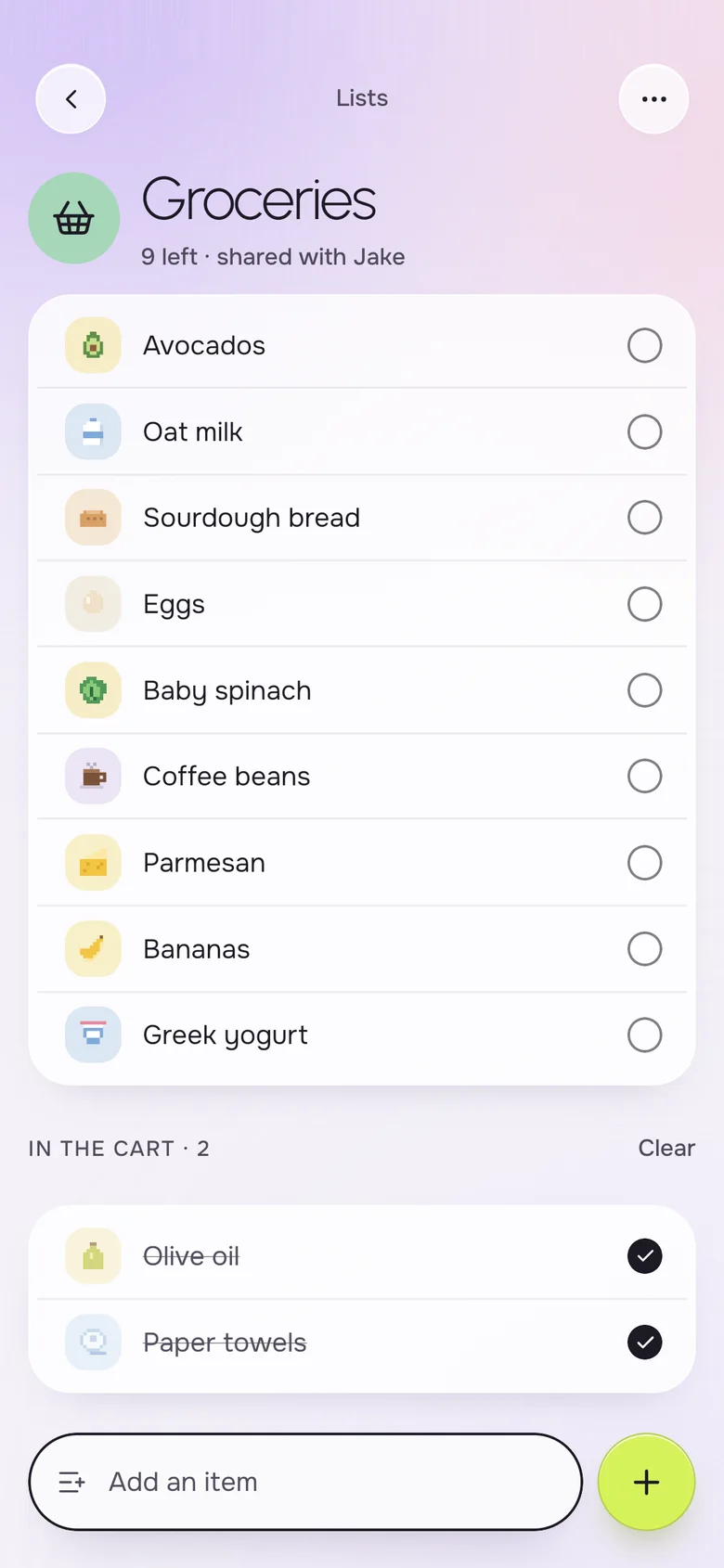
- A shared grocery list for the next run
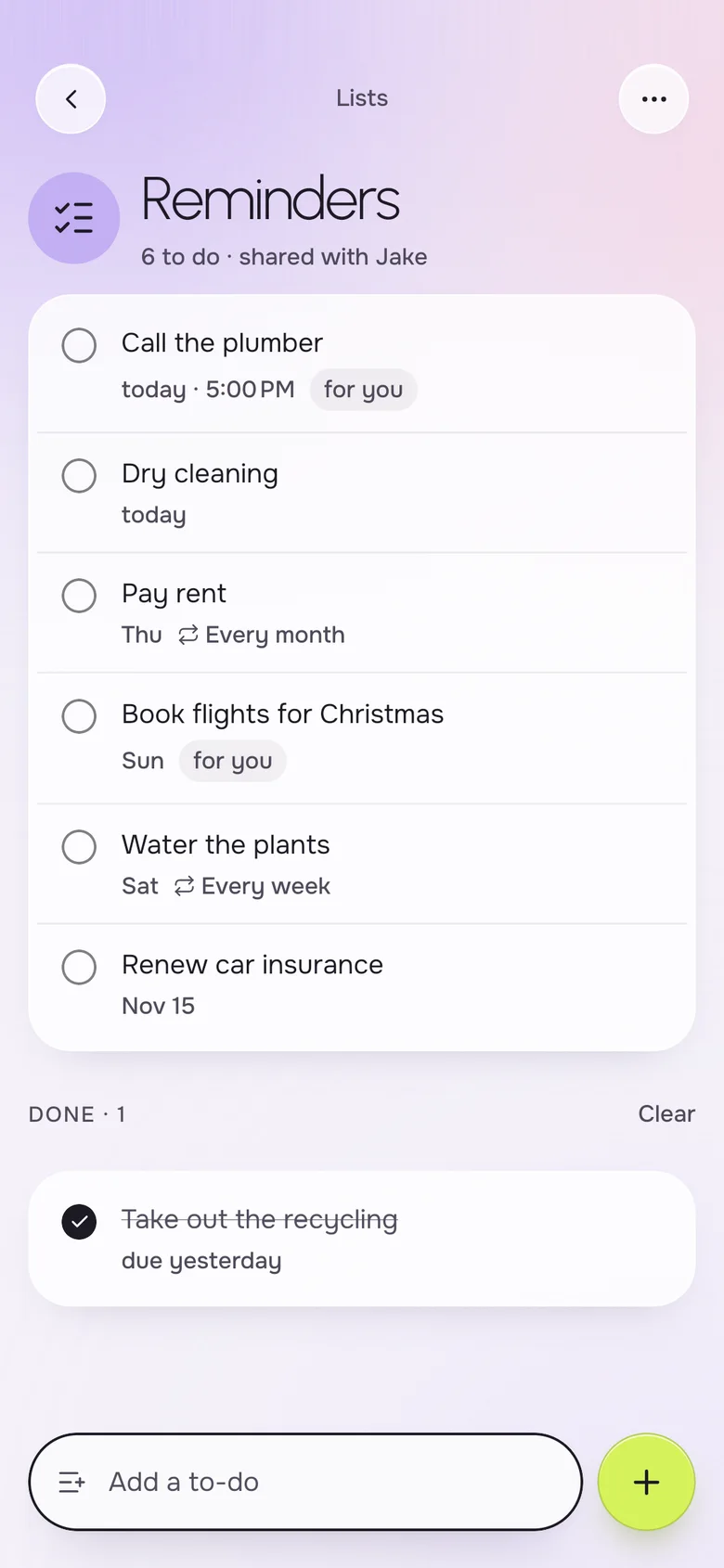
- Reminders for bills that are due, with date and time
- No bank connection, nothing to link
Know what is coming up
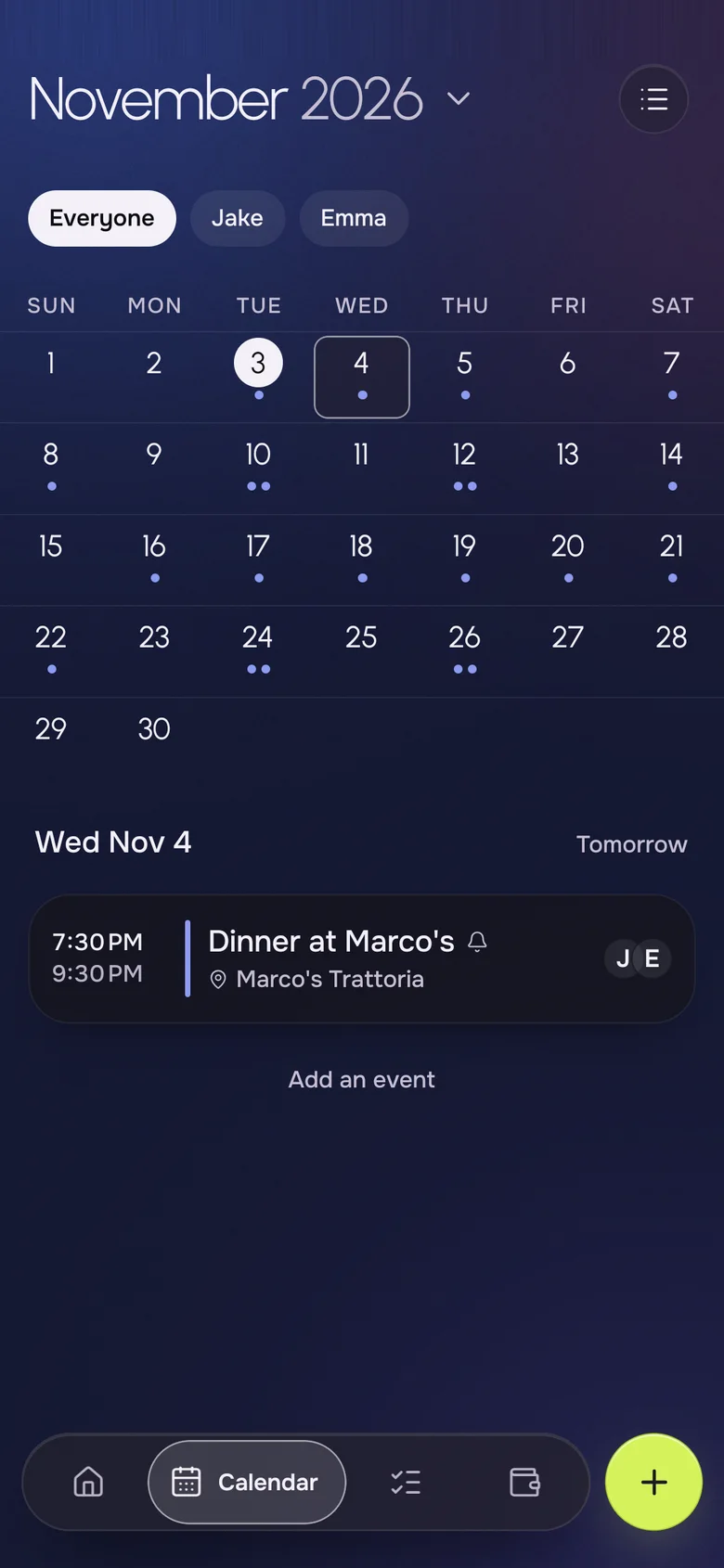
The big costs usually start on the calendar: a trip, a dinner, a move. Keep the plan and the bill in one app and you add the expense while it is still fresh.
- A shared month calendar for both of you
- Repeating expenses like rent and internet with Okto Plus
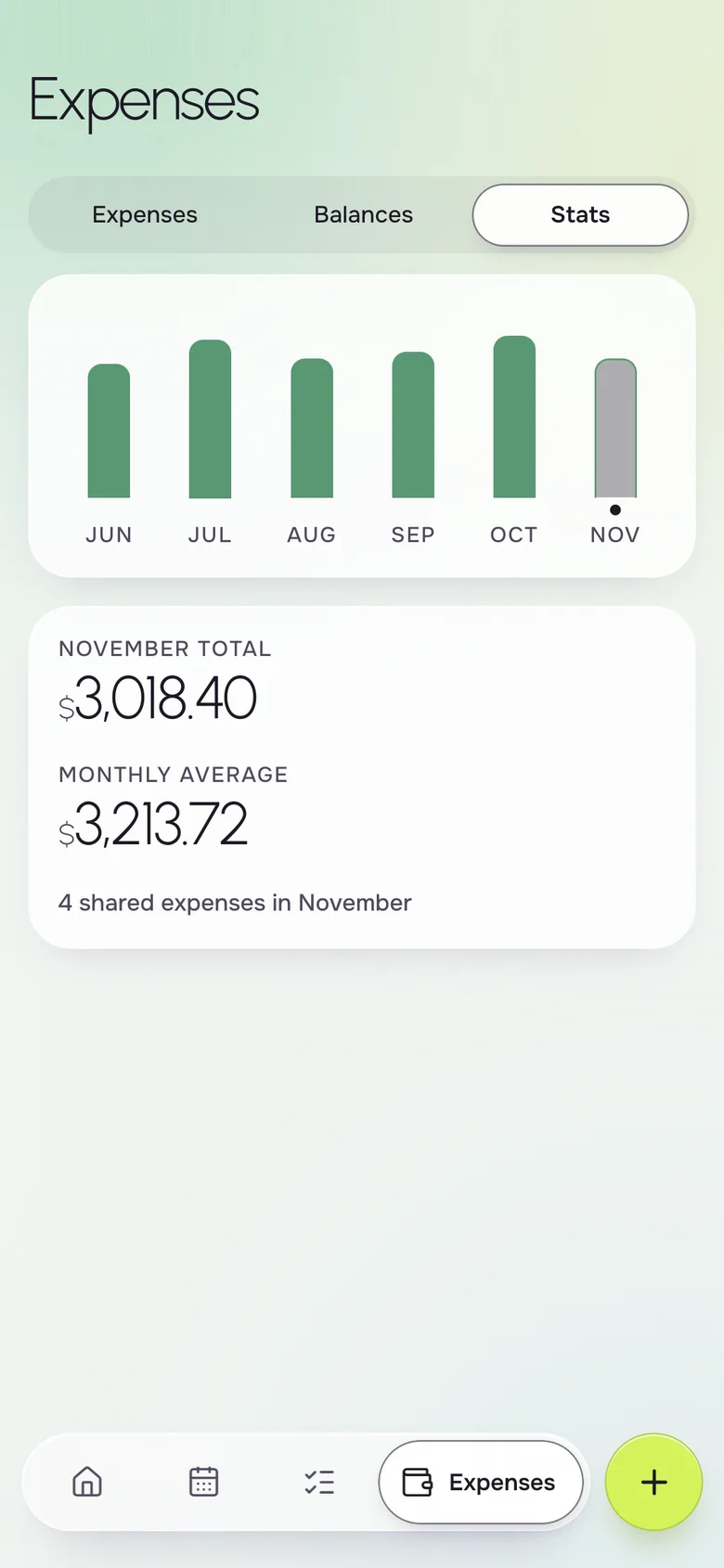
- Monthly stats of what you spend together with Okto Plus
Your iPhone, their Android. Same household.
- Live on both phones
- Add milk on one phone, it shows on the other a second later.
- Works offline
- The list is on your phone, even in a store with no signal.
- No ads, ever
- Okto is paid for by Okto Plus, not by your data.
- Private by design
- Only the two of you see your household. Data hosted in the EU.
Free for the two of you. Plus when you want more.
One subscription covers the whole household: if one of you subscribes, you both get Okto Plus. Okto is free during the beta.
Okto
$0
Everything you need to run the house together.
- Shared calendar with month view
- Shared groceries, reminders and lists
- Shared expenses and balances
- iPhone and Android, offline, no ads
Okto Plus 14-day free trial
$4.99 a month, or $34.99 a year
For both of you, on one subscription.
- Two-way sync with your phone's calendars (Google, iCloud)
- Rent, bills and to-dos that repeat by themselves
- Monthly stats of what you spend together
- Export your expenses
Questions, answered
How do couples split expenses fairly?
Common approaches are a 50/50 split, a split proportional to income, or each person covering certain bills. Okto supports equal splits, exact amounts and percentages, so you can use the method you agree on and let the balance do the tracking.
What is the best app to split bills as a couple?
It should be quick to use and show one clear balance. Okto is built around a household of two: shared expenses with a running balance, plus a calendar and shared lists in the same app.
Do we have to send each other money?
No. Okto only records who paid and shows the balance, and it never moves money. You can tap Settle up after a transfer, or simply let the person who owes pay for the next thing.
Can we split by percentage if we earn different amounts?
Yes. Set the percentages once, for example 55/45, and apply them to an expense like rent. There is a separate page on splitting bills proportionally to income.
Is it free to split expenses in Okto?
Yes. Adding shared expenses, choosing the split and seeing the balance are free. Okto Plus costs $4.99 a month or $34.99 a year for both of you, with a 14-day free trial, and adds repeating expenses and monthly stats.
Does it connect to my bank account?
No. You enter expenses yourself, and Okto does not link to a bank or scan receipts.
Keep the score, drop the tension.
Download Okto, add your next shared cost, and let the balance do the remembering.